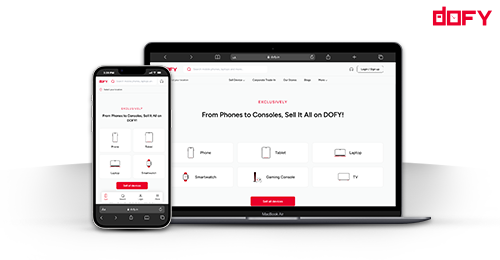
Most ONDC confusion starts with one question: do I need a buyer app, a seller app, or both? A kurta maker in Jaipur who reads about ONDC in a WhatsApp group often signs up for the wrong thing, then wonders why her products never show up on PhonePe or Paytm. The short answer is that sellers use seller apps and shoppers use buyer apps, and the two connect through the same ONDC network.
This guide explains what each app type does, how an order moves between them, which apps you will actually meet in India, and what to check before you pick one. It is written for first-time sellers and for shoppers who keep seeing ONDC listings and want to know why they look different from Amazon or Meesho.
This post contains affiliate links. If you buy through them, we may earn a commission at no extra cost to you.
ONDC Buyer App vs Seller App: Comparison at a Glance
| Tool | Best For | Price (₹/month) | Rating |
|---|---|---|---|
| Mystore (seller app) | First-time sellers listing general products | ₹0 (Freemium); Basic ₹1,200 | 4.0/5 |
| PhonePe Pincode (buyer app) | Shoppers in Tier 2 and Tier 3 cities | Free for shoppers | 3.5/5 |
| Paytm (buyer app) | Shoppers already using the Paytm wallet | Free for shoppers | 3.5/5 |
| Magicpin (buyer app) | Local shopping near the buyer | Free for shoppers | 3.0/5 |
Ratings are our editorial scores based on app features and listing coverage, not user reviews. Prices are from vendor pages checked on 4 October 2026.
What Is an ONDC Buyer App?
A buyer app is the storefront a shopper opens. It runs search, shows catalogues from many sellers, takes payment, and tracks the delivery. The shopper never needs to know which seller platform a product came from. PhonePe Pincode, Paytm and Magicpin are the buyer apps most Indian shoppers will see first.
Buyer apps earn money from the network fee, not from the shopper. Shoppers pay the product price and delivery charge shown at checkout, nothing extra for using the app.
What Is an ONDC Seller App?
A seller app is where you manage the business. You add products, set prices and stock, accept orders, print labels and handle GST details. Under ONDC’s rules these apps are called Seller Network Participants. Your listings reach every connected buyer app once you are live, which is the point of the open network.
You register once with one seller app. You do not register separately with each buyer app. That single difference clears up most of the confusion.
How an Order Moves Between the Two
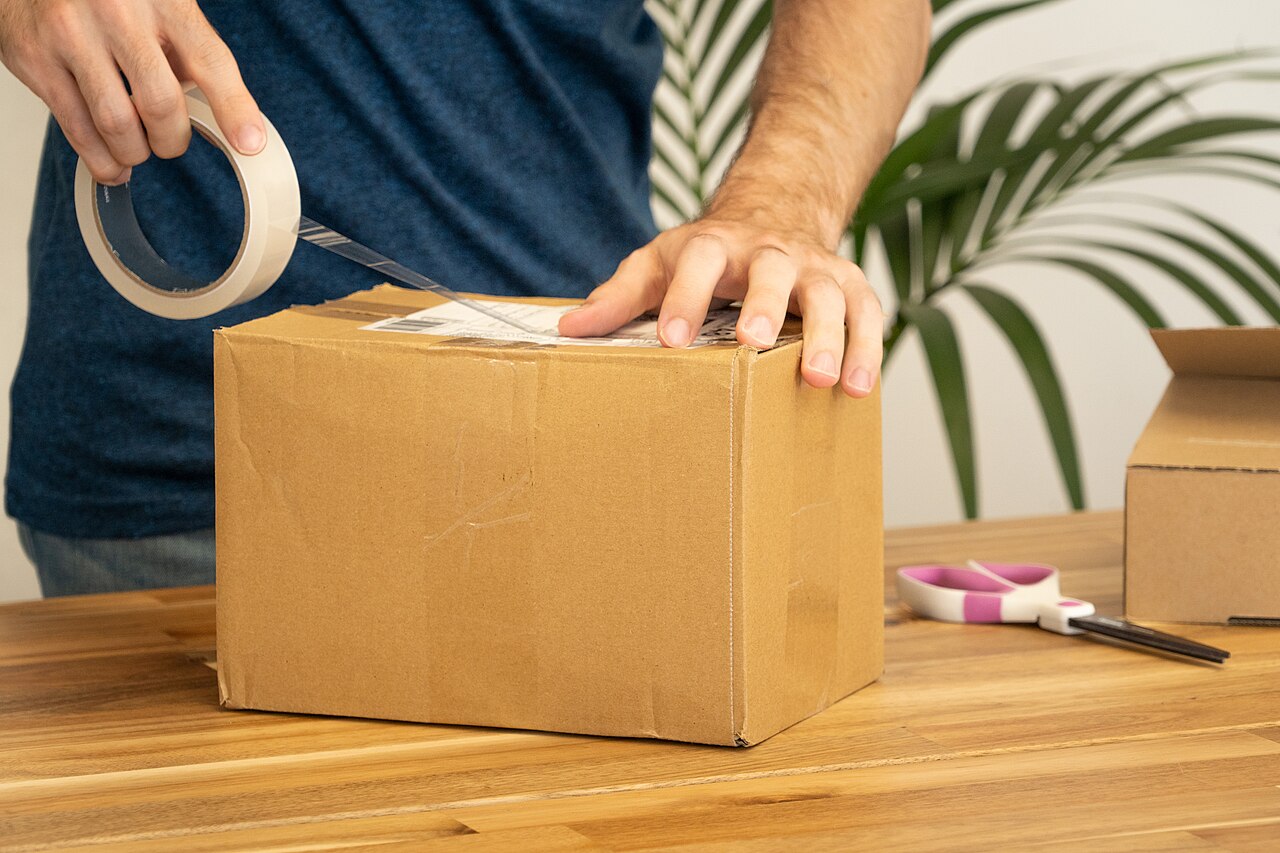
Take a hypothetical saree seller in Surat. A shopper in Indore opens PhonePe Pincode and orders a cotton saree. PhonePe passes the order across the ONDC network to the seller app where the saree is listed. The seller sees the order inside that seller app, packs it, and books a courier. Payment settles to the seller’s bank account on the timeline the seller app states.
Every step uses the same ONDC rules, so the seller does not need a separate integration with PhonePe, Paytm or Magicpin. That is the practical benefit of the network.
Fees: What Is Confirmed and What Is Reported
ONDC does not charge sellers a commission directly. Secondary guides report a total network fee of roughly 1 to 3 percent, split between the buyer app and the seller app. ONDC’s own site did not show that figure when we checked, so treat the number as reported rather than confirmed. Your seller app’s plan fee sits on top of that, and it is the figure you should compare before signing up.
Mystore: The Starting Point for Most Sellers
Mystore is a seller app with a free tier, which makes it the easiest first step for a home-based seller who has never listed on a marketplace. Its pricing page lists a Freemium plan at ₹0 per month, a Basic plan at ₹1,200 per month with a 2 percent transaction fee, a Business plan at ₹5,625 per month with a 1 percent fee, and an Enterprise plan at ₹22,499 per month.
The free plan is enough to test whether ONDC buyers in your city order your product. A seller in Coimbatore selling handloom bags can list 20 items, watch two or three weeks of orders, and only then decide whether a paid plan makes sense. The weak point is the Basic plan: its 2 percent transaction fee only pays off once monthly sales are high enough to cover the ₹1,200 fee, so do the sum before upgrading. Mystore also expects you to keep stock and dispatch times accurate, because listings that go out of stock slip down the results quickly.
PhonePe Pincode: Reach for Tier 2 and Tier 3 Shoppers
PhonePe Pincode is a buyer app that many shoppers in smaller cities already have installed for UPI payments. That familiarity matters. A shopper who already opens PhonePe to pay a bill is more likely to browse a product page than someone who has to download a new shopping app. Pincode also shows products by delivery pincode, so a seller in Jaipur can see whether buyers in nearby pincodes are finding their listings.
The limitation is that you do not control the buyer experience. You cannot place your own banner, bundle offers the way you can on your own store, or change how the checkout looks. Your listing quality is what carries the sale: clear titles, three to six photos on a clean background, and a dispatch time you can actually meet. Treat Pincode as a discovery channel rather than your storefront.
Paytm: The Right Buyer App for Wallet Shoppers
Paytm is the buyer app to watch if your customers already keep money in a Paytm wallet or use Paytm for recharges and bill payments. Shoppers who already trust Paytm with their money tend to complete checkout more often, and the app has a large base of existing users across India.
Paytm is a buyer app only, so you still need a seller app behind it. A seller in Indore who lists through Mystore can appear on Paytm without opening a separate Paytm seller account. Check the seller app’s documentation for which buyer apps your catalogue reaches, because coverage can change as the network grows.
Who Should Skip ONDC Seller Registration
Skip seller registration for now if you cannot dispatch within 48 hours, because slow dispatch hurts your ranking on every buyer app at once. Also skip it if your product needs in-person installation or a warranty service desk that you cannot yet offer. ONDC rewards speed and accurate listings, and a seller who is not ready for those will get more complaints than orders.
Frequently Asked Questions
Do I need both a buyer app and a seller app on ONDC?
No. Sellers need one seller app. Shoppers use a buyer app. You can sell on ONDC without installing any buyer app yourself.
Can a seller see orders from PhonePe Pincode or Paytm?
Yes. Orders from connected buyer apps arrive in your seller app, where you manage packing, dispatch and returns, regardless of which buyer app the shopper used.
Is there a fee to become an ONDC seller?
Your seller app sets the plan fee. Mystore’s Freemium plan is ₹0 per month on its pricing page. Secondary guides report an additional network fee of about 1 to 3 percent, which ONDC’s own site did not confirm when we checked.
Which app should a first-time seller choose?
Start with a seller app that has a free tier, such as Mystore, and list a small catalogue. Move to a paid plan only after several weeks of consistent orders.
Our Recommendation
Pick one seller app and forget the buyer apps for now. Mystore’s free plan gives you a low-risk way to test ONDC demand, and it reaches the buyer apps your shoppers already use. If you want the full list of seller apps and how they compare, read our ONDC seller app list for India next.
This post contains affiliate links. If you buy through them, we may earn a commission at no extra cost to you.