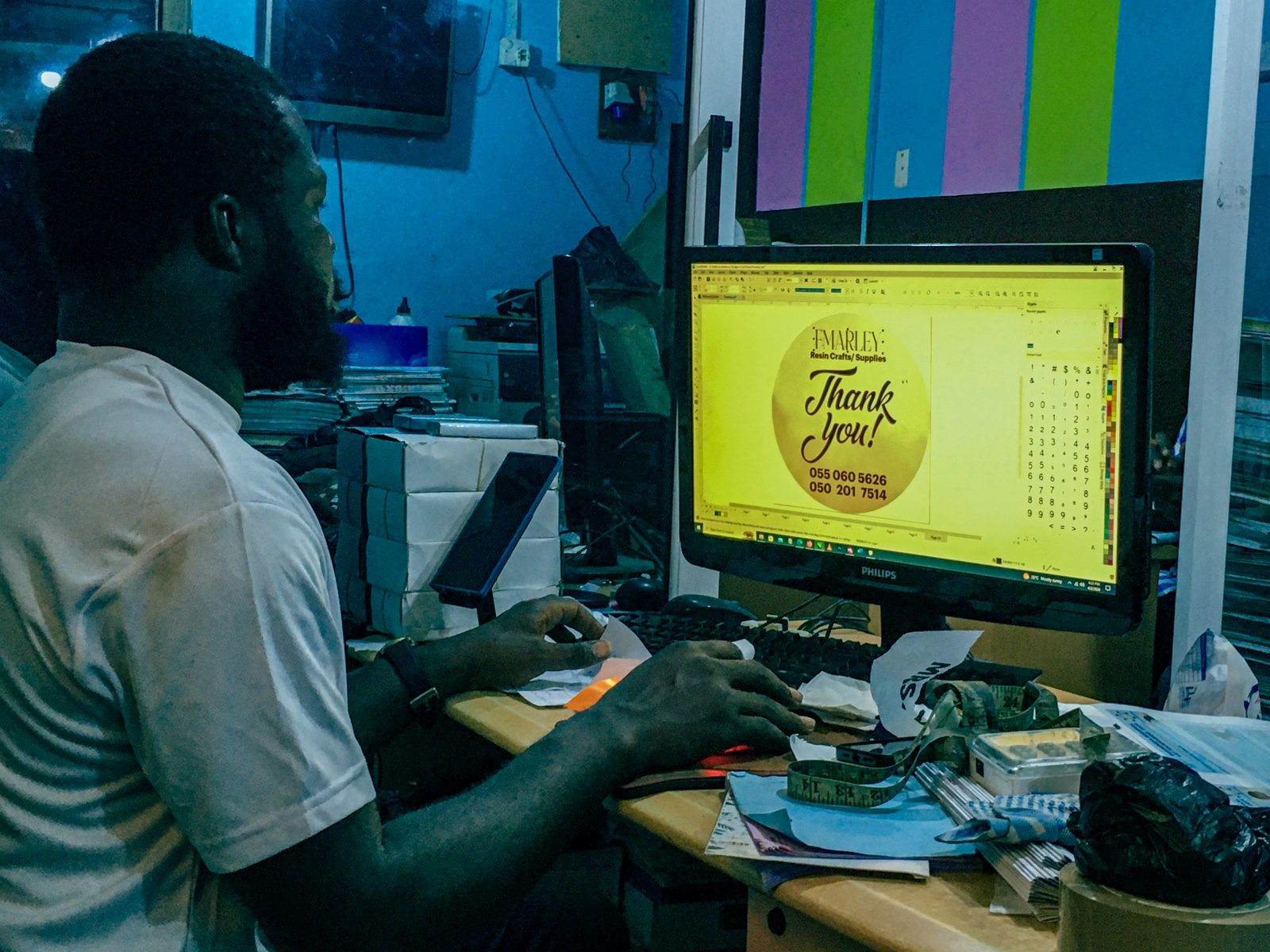
If you sell on Meesho, run a WhatsApp catalogue, or manage an Instagram shop, you have probably opened Canva at least once to knock together a product banner at 11pm before a festive sale. The free version gets you through most of that. The question sellers actually ask before they pay is whether Canva Pro’s ₹499 a month buys enough to matter for a small catalogue, or whether the free tier plus a bit of patience does the same job.
This review looks at Canva Pro for Indian online sellers in 2026: what the paid plan actually adds over the free version, how it compares to Adobe Express and Pixlr on price, and where a small Meesho or WhatsApp Business seller in a Tier-2 city like Indore or Coimbatore gets the most out of it. It also flags who should stay on the free plan a while longer.
Quick Verdict
Canva Pro is worth it once you are designing more than 3 to 4 product graphics a week. The jump from 5GB to 100GB storage and unlimited Background Remover use pays for itself fast if you shoot your own product photos. Check Canva Pro’s current India pricing. If you only need the odd banner once a month, stay on Canva Free.
This post contains affiliate links. If you buy through them, we may earn a commission at no extra cost to you.
Canva Pro vs the Alternatives
| Tool | Best For | Price (₹/month) | Rating |
|---|---|---|---|
| Canva Free | First-time sellers just testing product photos | ₹0 | 3.5/5 |
| Canva Pro | Most Indian sellers designing weekly content | ₹499 (or ₹333 billed yearly at ₹3,999) | 4.5/5 |
| Canva Business | Small teams sharing one brand kit | ~₹1,735 per person | 4/5 |
| Adobe Express Premium | Sellers already paying for Adobe Creative Cloud | ₹399 (incl. GST) | 4/5 |
| Pixlr Premium | Quick one-off photo touch-ups, not full design work | ~₹670 (billed yearly at $7.99/mo) | 3.5/5 |
Canva Pro: Full Review
Canva Pro’s official India price is ₹499 a month, or ₹3,999 billed as a single yearly payment, which works out to about ₹333 a month, a 25 percent saving over paying monthly. Both prices already include GST and can be paid by UPI or card, so there is no forex markup to worry about.
The core upgrade over the free plan is storage: Pro takes you from 5GB to 100GB, which matters once you are storing raw product shoots for a growing Meesho or Flipkart catalogue. Background Remover, Magic Resize, and the full Magic Studio suite, which bundles Magic Design, Magic Write, Magic Eraser, and Magic Expand, are Pro-only. For a seller who photographs products on a plain bedsheet backdrop, one-click background removal alone can replace a paid photo editor.
The one real friction point: Canva’s AI tools now run on a shared credit allowance across the plan, and Standard, Premium, and Ultra AI features drain that allowance at different rates. Sellers who lean heavily on the newer AI image generation or the 2026 Canva AI 2.0 conversational editor can burn through the monthly allowance well before the billing cycle resets, and get bounced back to the slower manual tools mid-month.
Canva Business: When a Team Needs It
Canva Business lists at $250 a year per person internationally, close to ₹1,735 a month per seat once converted, and it is built for small teams rather than solo sellers. It adds shared brand kits, so every team member’s WhatsApp catalogue images and Instagram posts use the same logo, fonts, and colour palette without anyone hunting for the right file. If you are a solo seller in Jaipur running your own shop, this tier is overkill. It starts to make sense once you have a second person doing content, whether that is a family member or a hired freelancer.
Adobe Express Premium: The Adobe Alternative
Adobe Express Premium costs ₹398.84 a month including GST in India, close enough to Canva Pro’s price to make the choice mostly about ecosystem, not cost. Its free plan already includes 5GB of storage, 1 million-plus royalty-free Adobe Stock assets, and a handful of free generative AI credits. The Premium jump adds the full Adobe Stock library and unlimited generative credits. It is the better pick only if you or your designer already work inside Photoshop or Illustrator and want templates that stay editable across both.
Pixlr Premium: For Quick Photo Fixes
Pixlr Premium runs $7.99 a month billed yearly, roughly ₹670 at current exchange rates, and includes 1,000 AI credits a month plus ad-free editing. It is a photo editor first, not a full design tool, so it is a poor substitute for building a comparison graphic or a WhatsApp catalogue banner. It earns a place on this list only for a seller who needs to quickly crop and colour-correct product photos and does not want a subscription built around templates they will not use.
Who Should Skip This
If you post one product graphic a month, or resell someone else’s manufacturer images without editing them, Canva Free covers that without a subscription. The free plan already includes thousands of templates and basic resizing, which is enough for a Meesho seller who is not photographing their own stock. Canva Pro only earns its ₹499 once you are shooting your own products and editing photos regularly, since the paid Background Remover and larger storage are the two features that actually save time week to week.
Frequently Asked Questions
Is Canva Pro worth it for a small Meesho or WhatsApp Business seller in India?
Yes, if you design more than 3 to 4 product graphics a week or shoot your own product photos. The ₹499 monthly cost is recovered quickly through the unlimited Background Remover and the jump from 5GB to 100GB storage. If you post less often than that, Canva Free is enough.
What is the actual Canva Pro price in India for 2026?
₹499 per month, or ₹3,999 billed once a year, which works out to about ₹333 a month. Both prices include GST, and Canva accepts UPI and card payments for Indian accounts.
Is Canva Pro or Adobe Express Premium better for Indian sellers?
They cost almost the same, around ₹400 to ₹500 a month. Canva Pro has the larger and more India-relevant template library for social posts and catalogues. Adobe Express Premium is the better pick only if you already use Photoshop or Illustrator and want files that move between the two.
Can I run an online store using only Canva’s free plan?
Yes, for a slow start. Canva Free includes thousands of templates and basic photo editing, enough for occasional product graphics. You will feel the limits once you need Background Remover regularly or run out of the 5GB free storage from your own product photo shoots.
Our Recommendation
For most Indian sellers designing product graphics every week, Canva Pro is the better buy over Adobe Express or Pixlr at a near-identical price, mostly because its template library is more useful for WhatsApp catalogues and festive sale banners. If you are just starting out and posting occasionally, stay on Canva Free until the workload actually justifies ₹499 a month.
This post contains affiliate links. If you buy through them, we may earn a commission at no extra cost to you.